
Multi-store groups
Every venue, in view.
Run every location from one login. Store managers run their own venue; you see the whole group, with the detail of each store close at hand.
How it works
How Orbit works for a multi-store group.
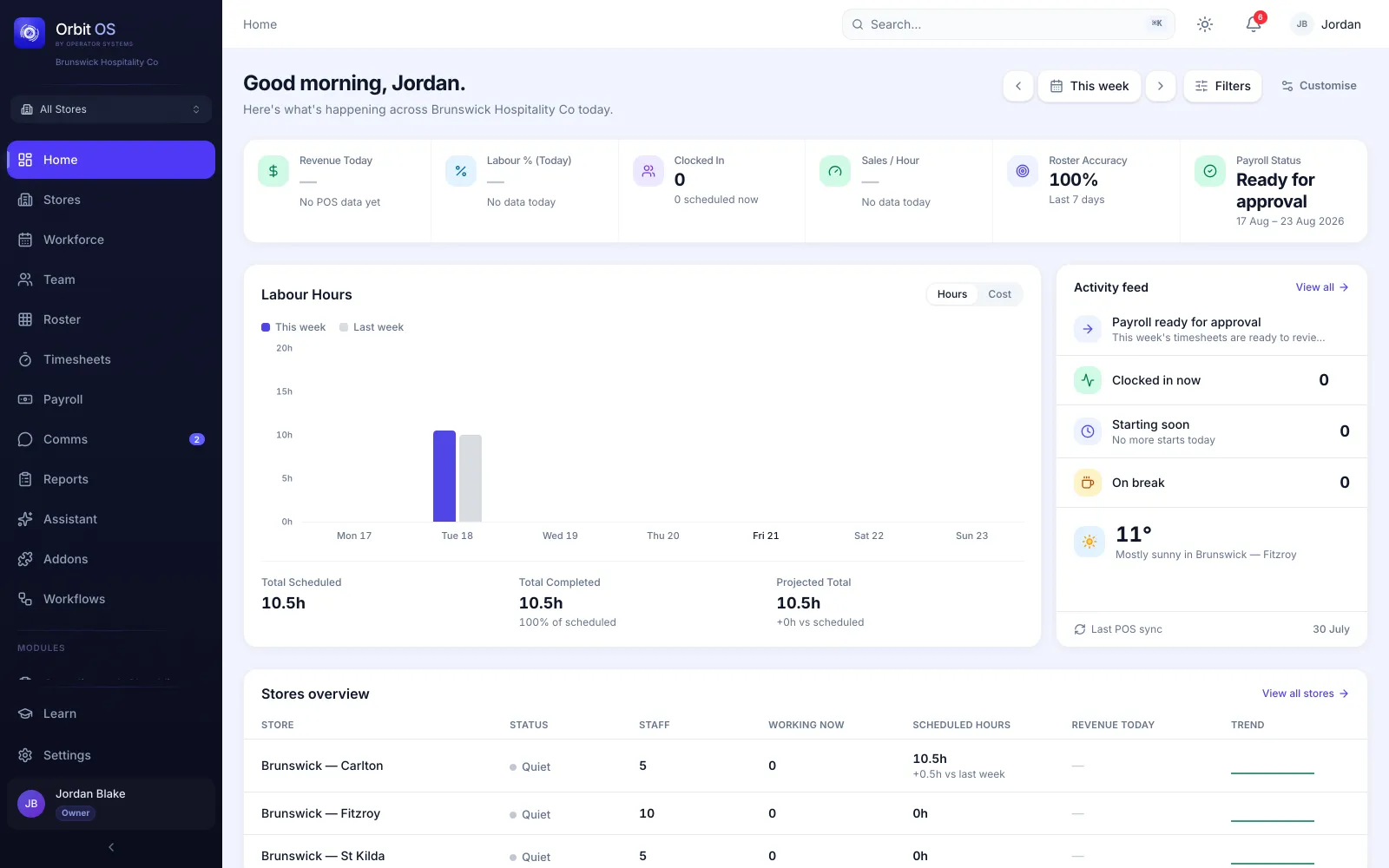
Every venue in one login
See today across all your stores, or open one. Your team works wherever they’re rostered, from one profile.
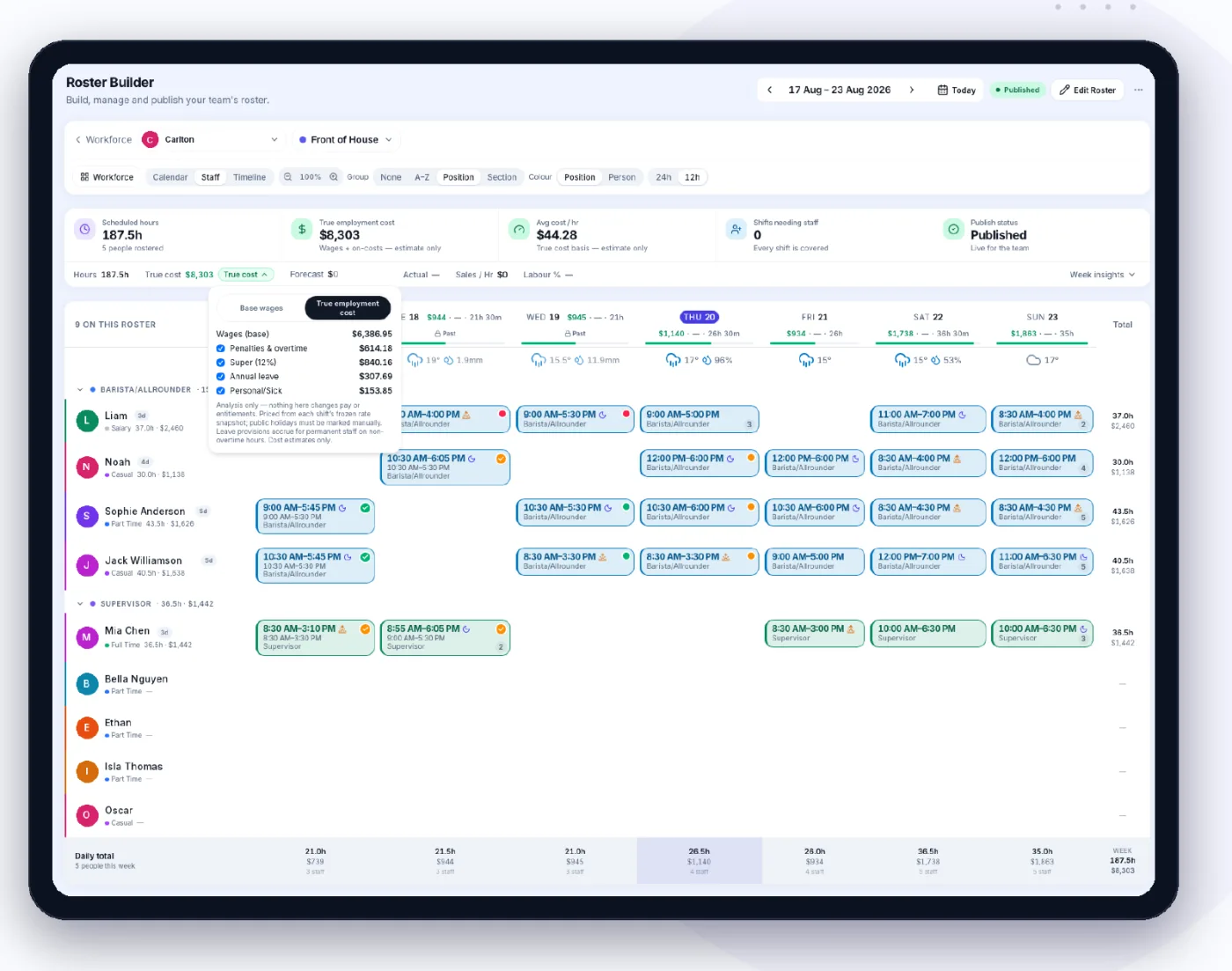
Roster each store, see the group’s cost
Managers build their own store’s week from the group’s templates and positions. You see what every roster costs before it’s published.
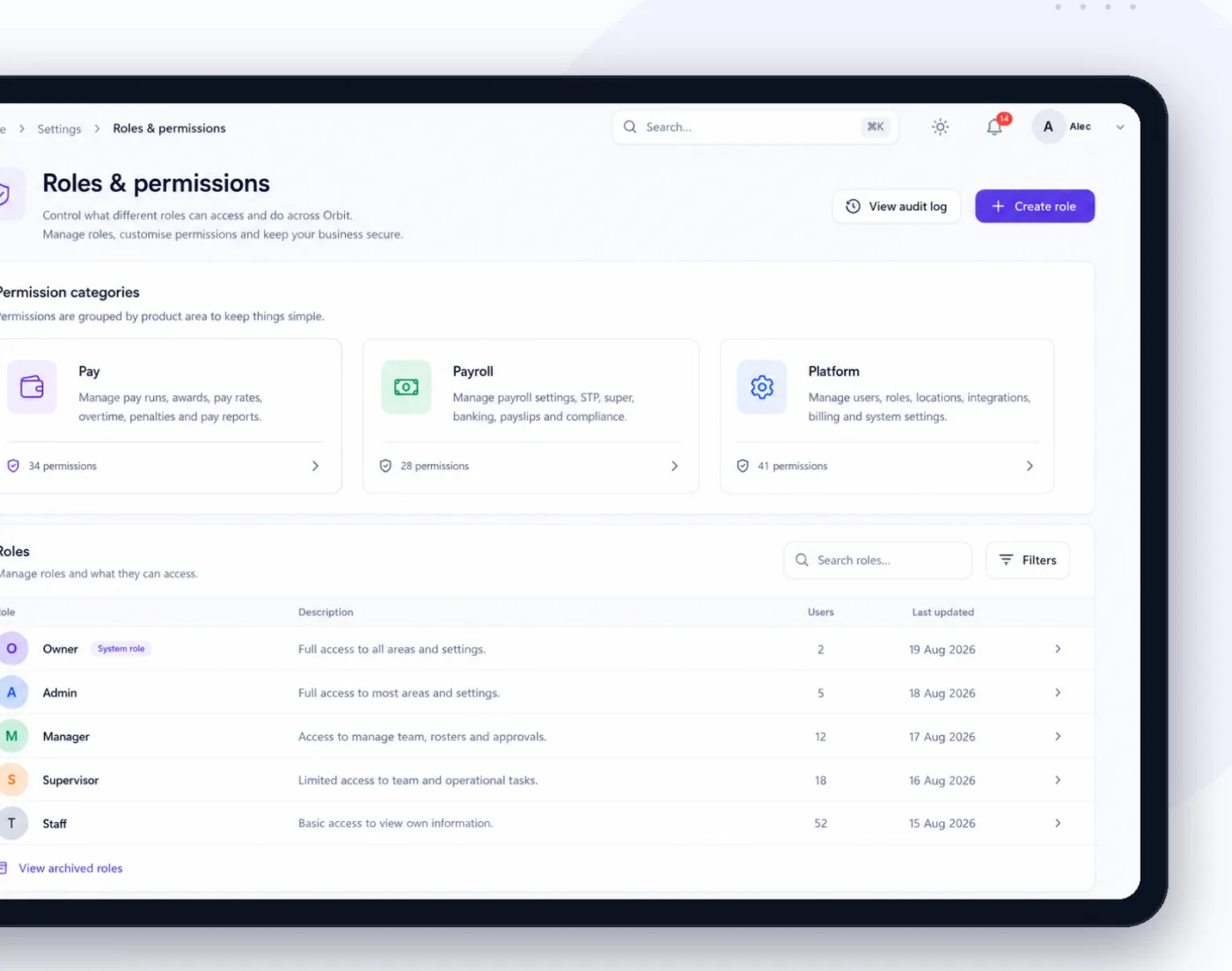
Access by store and by role
Decide what each role can see and do, across the business or at one location, including who can see wages and revenue.
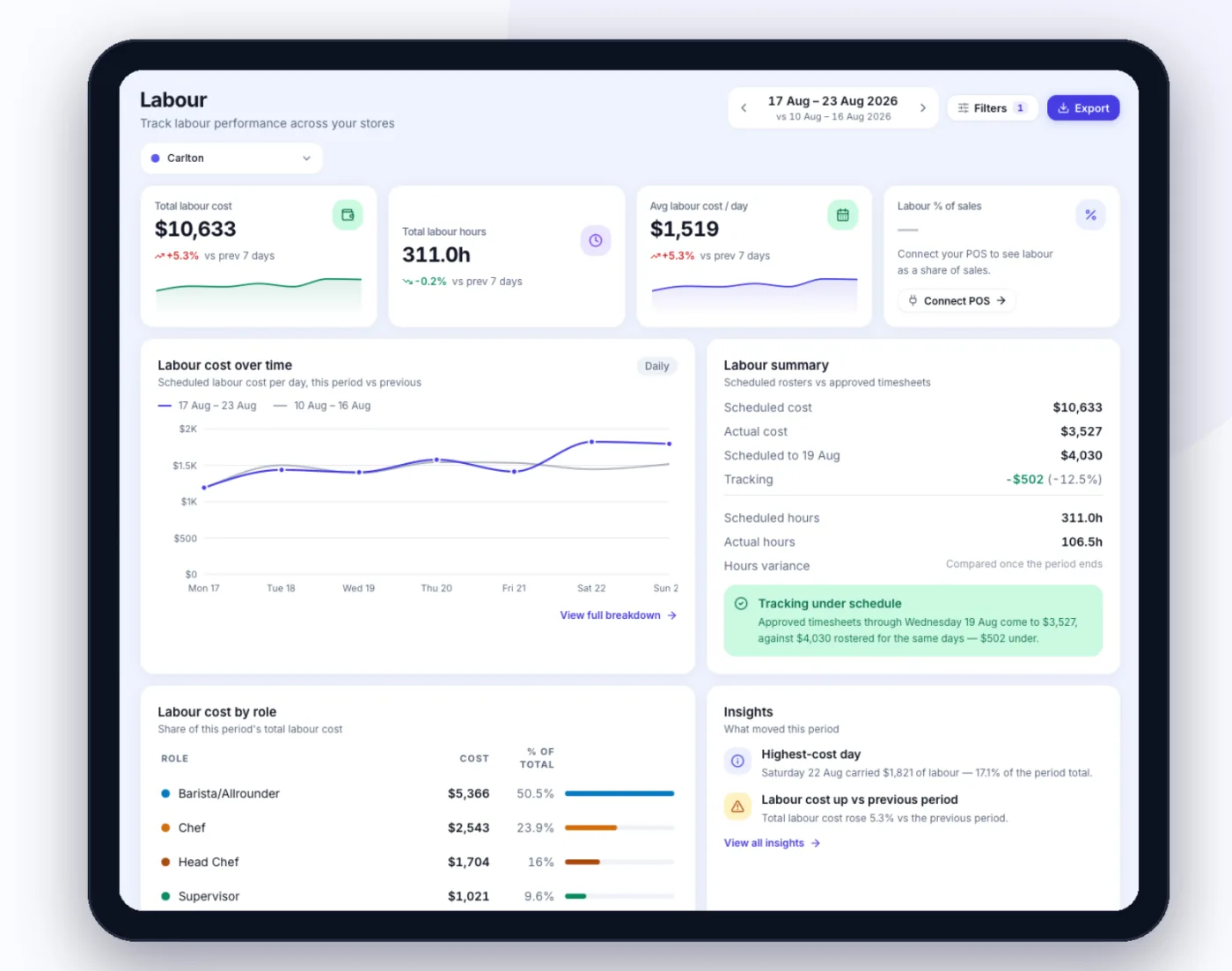
Labour and sales across locations
Compare stores side by side: labour cost, hours and labour as a share of sales when your POS supplies the sales.
Pay, cross-checked
One standard of pay across every store.
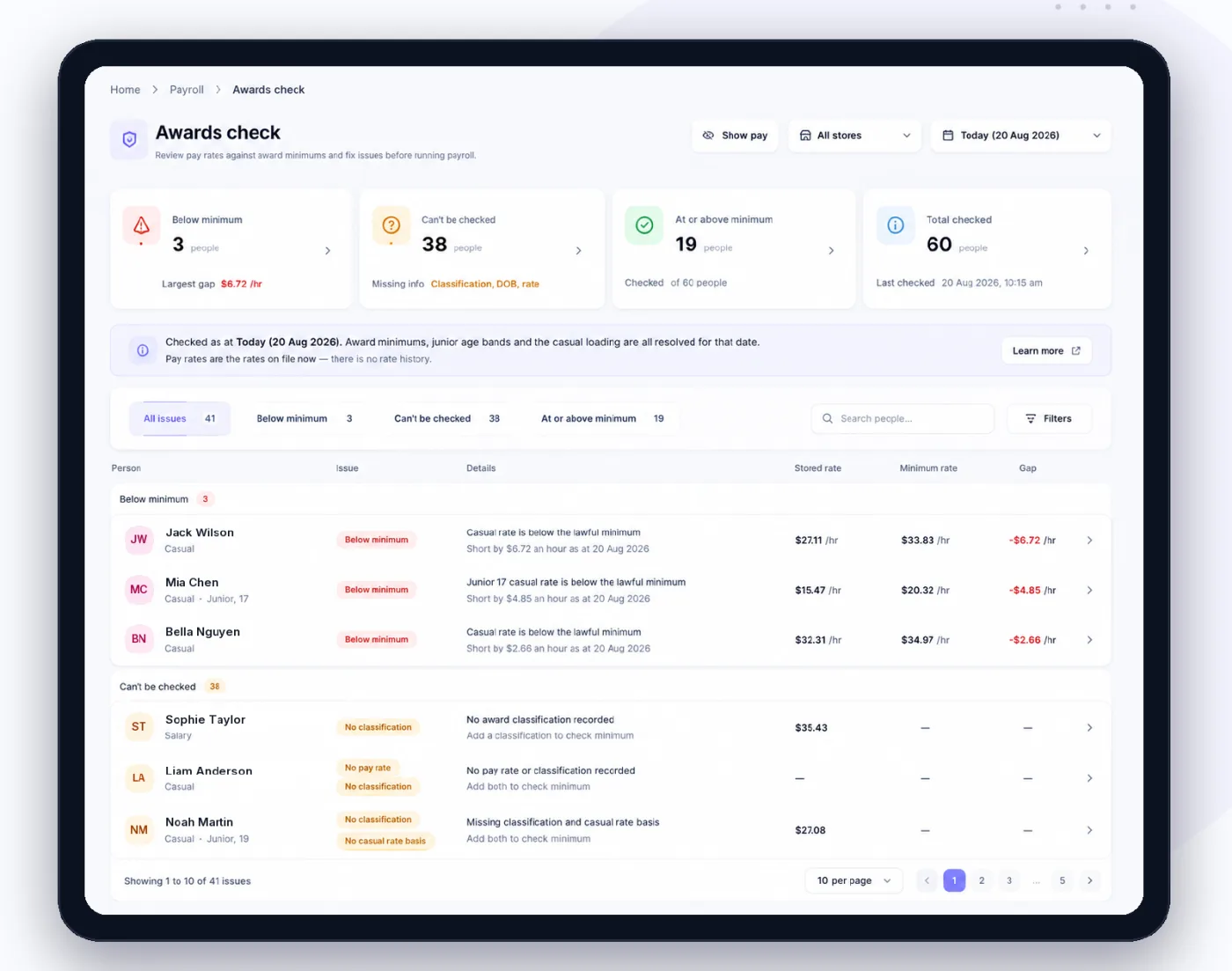
- Every pay rate cross-checked against the award minimum, and flagged when it falls below it
- Penalties, overtime and public holidays priced by the award engine as you roster
- Approved hours sent to Xero, MYOB, QuickBooks, Employment Hero and more
Included
What a multi-store group gets.
- Every store in one login
- Store-level permissions
- Group reporting
- Rostering and timesheets
- Onboarding
- Payroll connections
See Orbit on a business like yours.
Book a demo and we’ll walk through it with your stores, your team and your pay.
Book a demo