
Orbit OnboardingCore platform
One invite. Ready for day one.
Send a new starter one email. They complete their details, tax, bank and super, read the Fair Work statements and sign your letter of offer on their phone. You review it once, and it goes on to payroll.
14 days free. No credit card.
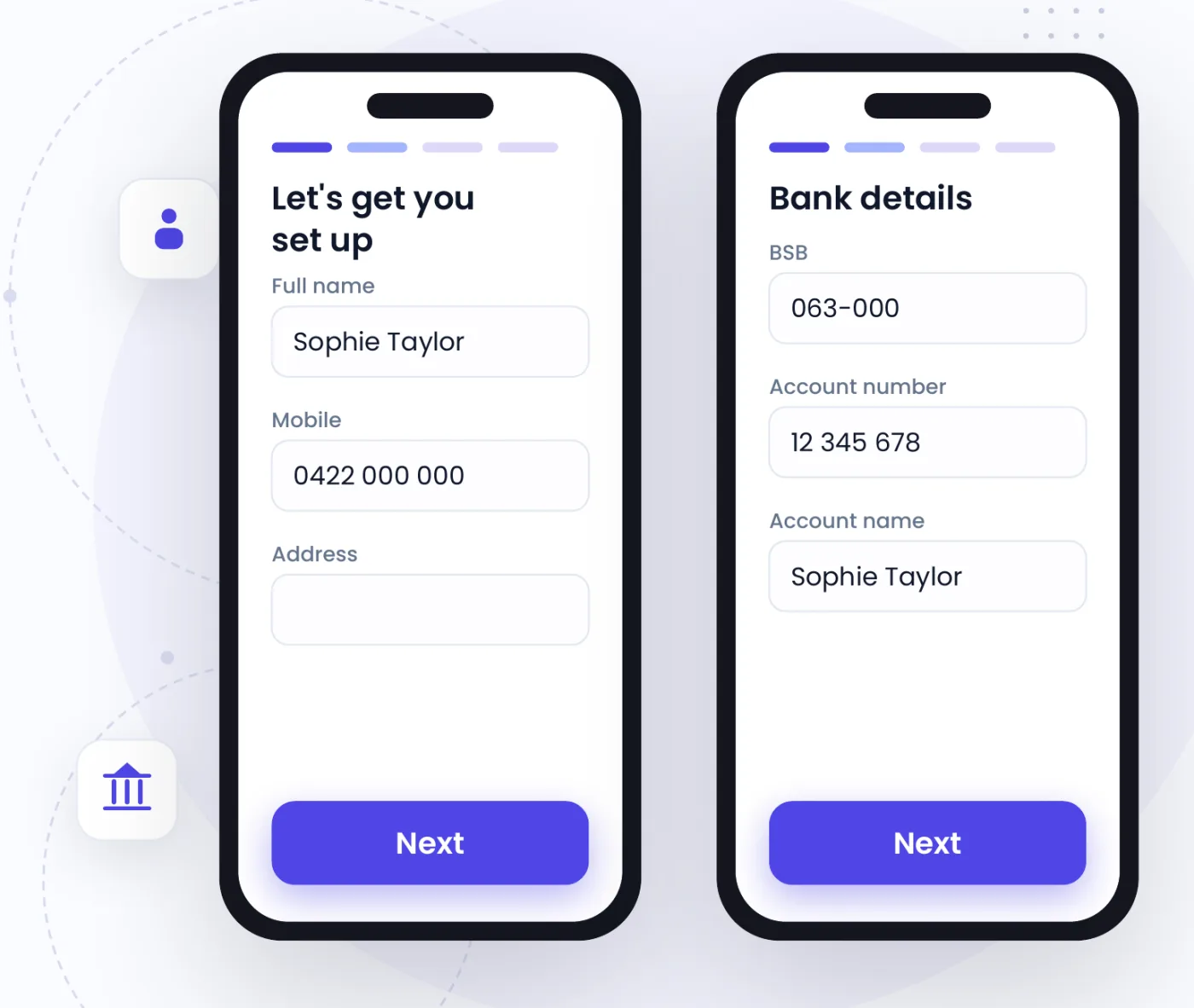
Everything a new starter fills in.
In one place, on their phone, before their first shift.
- An email inviteInvite by email or through the app. Resend, change the address or cancel at any time.
- Letter of offerYour letter of offer, read and signed on screen.
- Personal detailsName, address, emergency contact and the terms of employment.
- Tax file declarationThe TFN declaration, with any extra withholding they choose.
- Bank and superBank details, their super fund choice and any salary sacrifice.
- Right to workCitizenship or visa details. Your manager records the VEVO check.
- Fair Work statementsThe Fair Work Information Statement and, for casuals, the Casual Employment Information Statement.
- Policies and documentsYour handbook and policies acknowledged, and your own documents opened and confirmed.
- Licences and certificatesRSA and other certificates, with an alert before they expire.
How it works.
- 01
Invite
One email to the new starter.
- Their store, role and start details
- Your letter of offer and documents
- Reminders if they haven’t finished
- 02
They complete it
On their phone, in one sitting or several.
- Personal, tax, bank and super details
- Fair Work statements and your policies
- The letter of offer signed on screen
- 03
Review and approve
Everything on one page.
- Anything missing is shown with the fix
- Created in Xero on approval
- Or email the payroll details to your accountant
You approve. They fill it in.
Owners and managers invite and approve. The new starter enters their own details, so nobody retypes a tax file number or a bank account.
Tax and bank details are only ever shown to people allowed to see payroll.
Works with the rest of Orbit.
One team, one roster and one set of numbers, shared by every product.
Questions.
Does the new starter need to download an app?
No. The invite is an email with a link, and they complete it on their phone’s browser. They use the Orbit Staff app once they start.
Does Orbit check VEVO?
Your manager runs the VEVO check and records the result in Orbit. Orbit keeps the record and reminds you before a visa expires.
What happens when I approve?
If Xero is connected, the new starter is created in the right Xero organisation with their details. You can also email or download the completed payroll details for your accountant.
Is onboarding extra?
No. Onboarding is part of the core platform.
Onboard your next starter in Orbit.
One email, and they’re ready for their first shift.
14 days free. No credit card. · All products · See pricing