
Products / Messaging
Keep your team
in the loop.
Store chats, group chats, direct messages and announcements, on the web and in the app, so work conversations stay with the business, not in personal group chats.
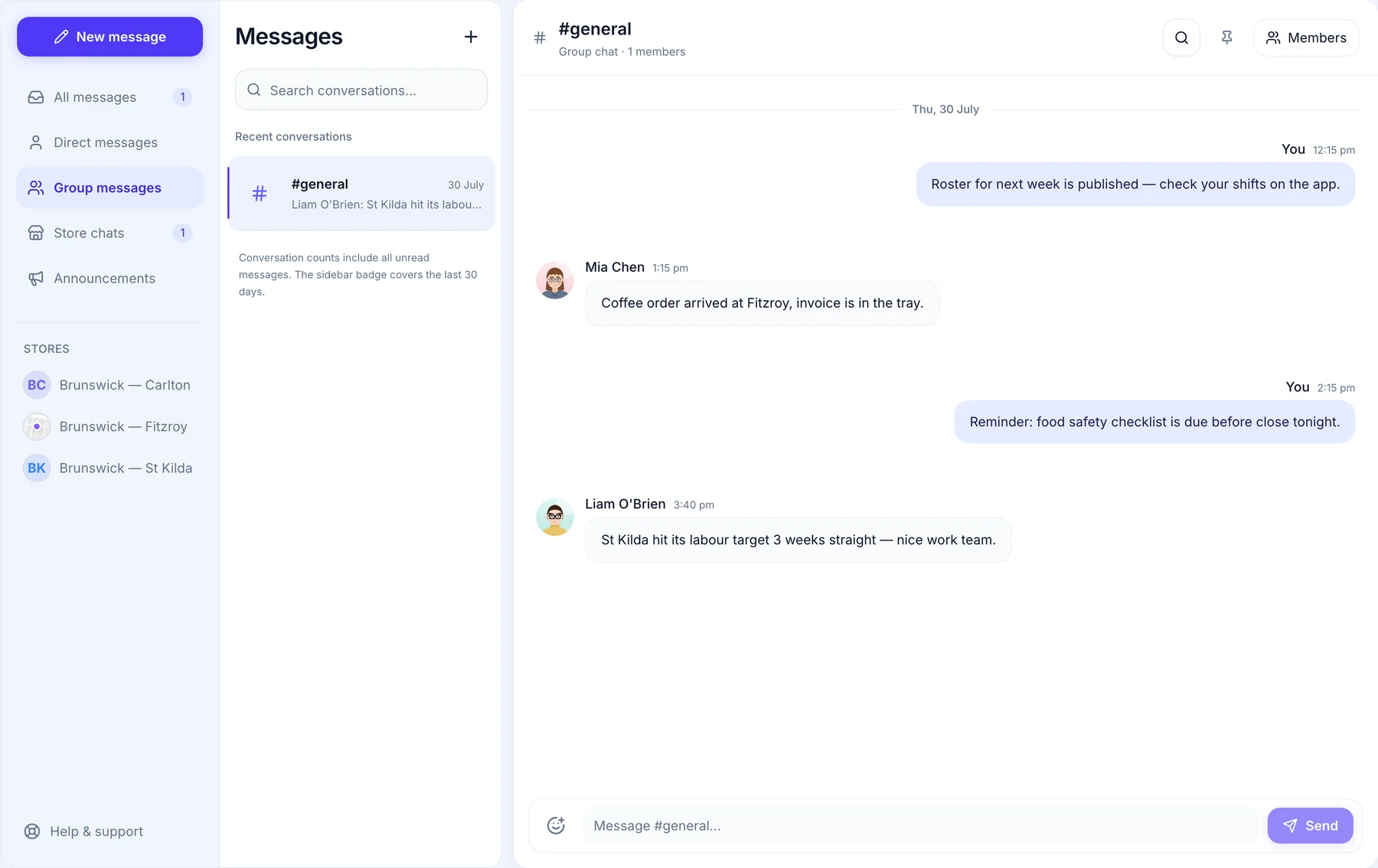
How it would work at your venue.
A normal week of team talk, kept in Orbit instead of personal group chats.
- Sunday night
Tell the whole team at once.
Next week’s roster is out, so you post it once in the team chat. Everyone in the chat sees it on their phone in the Orbit Staff app, and nobody has to hand out their personal number to be in the loop.
- Group chats for the whole team or one crew
- On the web and in the Orbit Staff app
- Work talk out of personal group chats
- Thursday afternoon
Swaps sorted in the store chat.
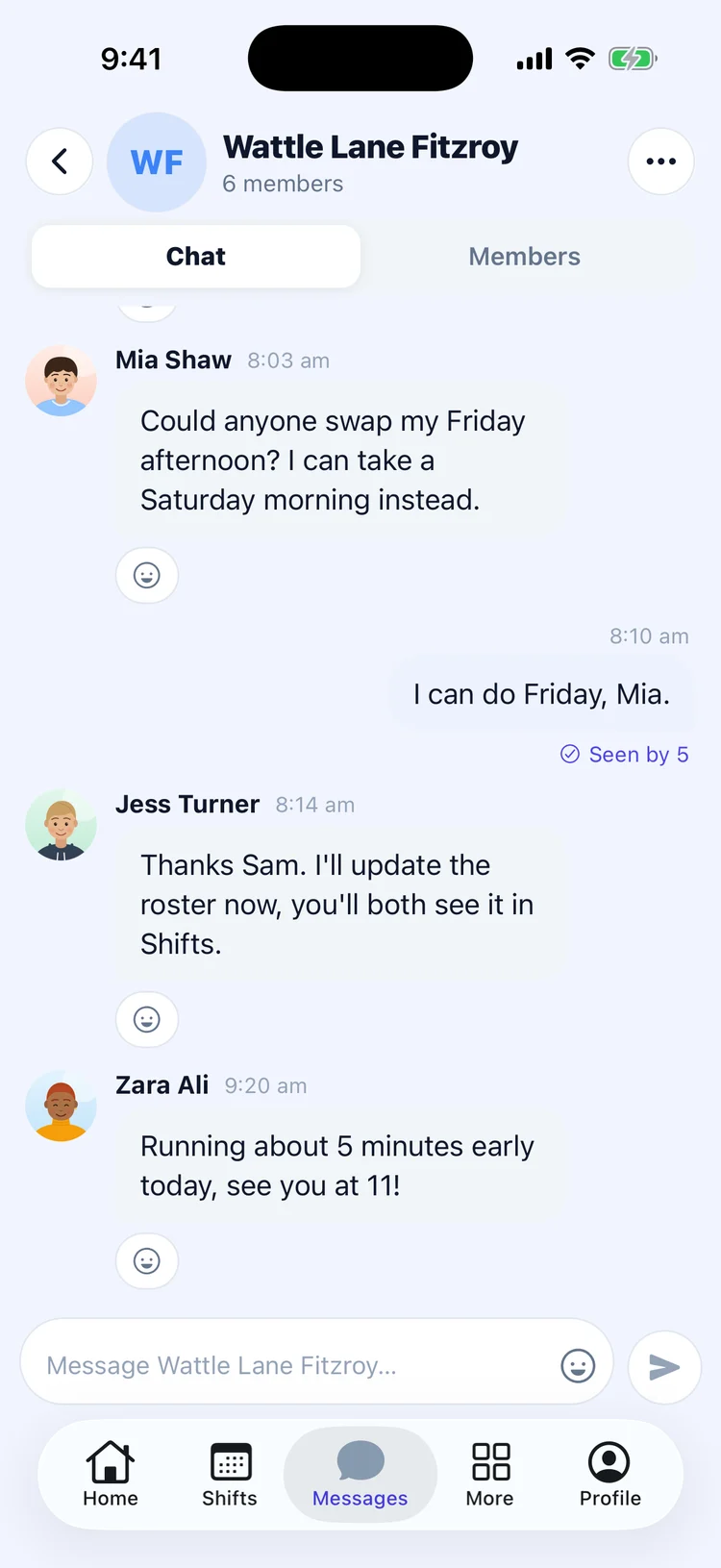
Mia can’t do Friday afternoon, so she asks in her venue’s chat on the Orbit Staff app, and Sam offers to take it. You update the roster right there, or they send a swap request for you to approve, and both of them see the change in their shifts.
- A chat for each venue’s team
- Swaps agreed where everyone can see
- Swap requests come to you to approve
- Before close
Reminders that don’t get buried.
Drop a reminder that the food safety checklist is due before close, and give the team a shout out when a venue hits its target. It all stays with the business, where the next manager on shift can see it.
- Reminders before close
- Shout outs the whole team sees
- Kept with the business, not in personal chats
- Any time
Every conversation in one place.
Direct messages, group chats, store chats and announcements sit together in Messages, on the web and in the app. Filter to one kind, or open a venue’s chat straight from the list.
- Direct, group and store chats together
- Announcements for company news
- Included in the core platform
What it does.
A chat for every store, with its team already in it.
Chats for a team, a section or a project.
One-to-one messages between anyone in the business.
Announcements that reach everyone, with a notification.
Pin what matters to the top of the chat.
React to a message, and see who has seen yours in the app.
One place to talk. Kept with the business.
Owners and managers post announcements and run their store’s chat. The team reads, replies and messages each other.
When someone leaves, their access to work chats ends with their account.
Questions people ask.
- Is Messaging included?
- Yes. Messaging is part of the core platform, at no extra cost.
- Can people share files?
- Not yet. Messages, reactions and pinned messages today.
- Does everyone get buzzed for every message?
- No. Direct messages and announcements notify; busy group chats show an unread count.
Messaging comes with Orbit’s core platform: $7.50 per person a month, everything included. Add or remove people any time.
See pricingMove your team out of personal group chats.
Add Messaging to your Orbit.